

Employee and event
Associating an event with a person helps start assessment. Keep contact details and the responder list current.
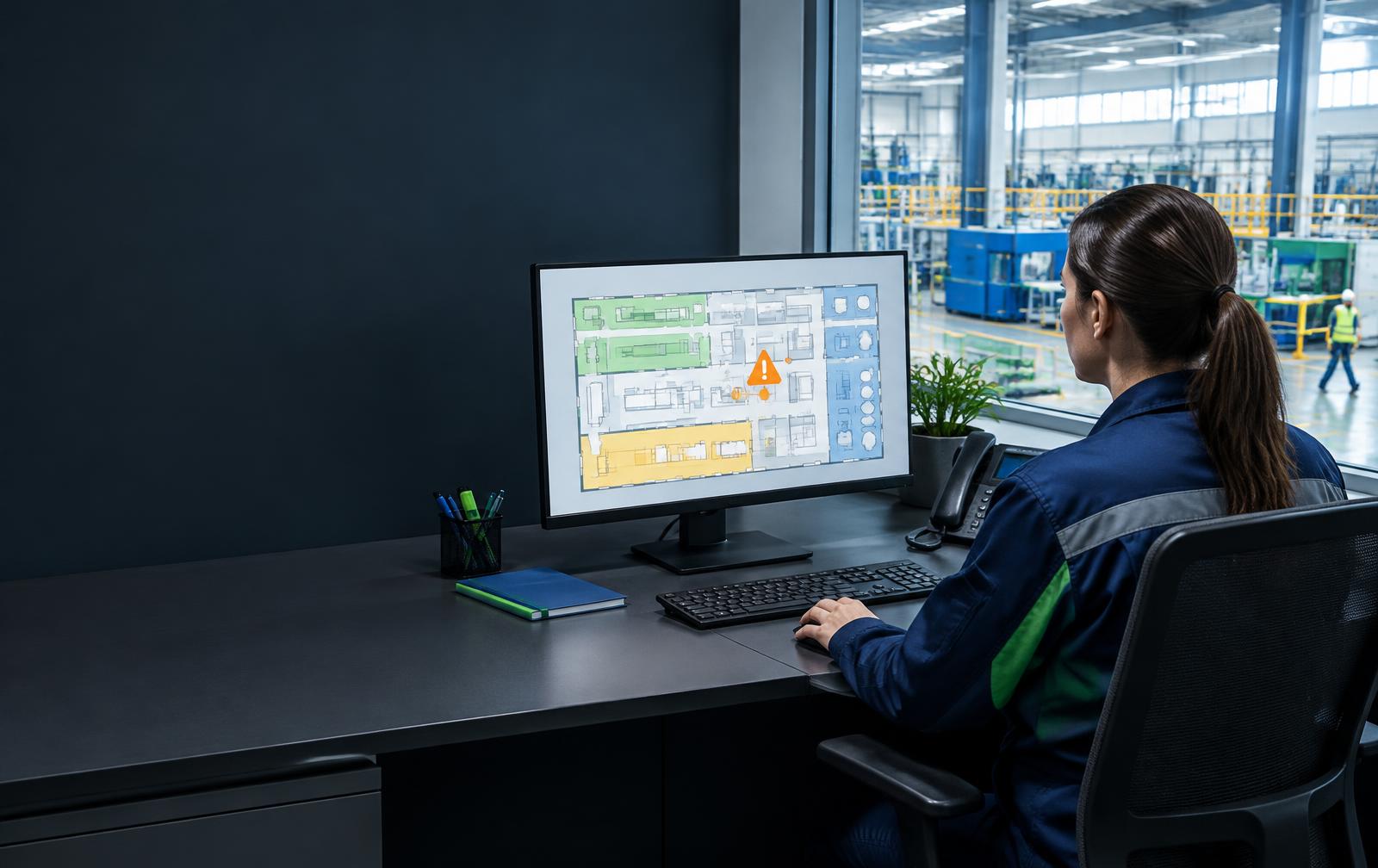
A PERSON ON THE OTHER SIDE OF THE ALERT
An alert needs a recipient. The browser panel connects session and event information with the people your organisation assigns to respond.
30-day VIMS trial · no payment card
PROTECTION WORKFLOW
Check who the alert concerns and what information is available. Displaying an event does not mean assistance has started.
Available location, check-in zone and site plan help identify the workplace. Consider when the last check-in was made.
Try contacting the employee according to the procedure. No answer should trigger the agreed escalation path.
Assign assistance to designated people and call appropriate services in an emergency. Agree cover and a way to confirm action.
The web panel supports alert handling and access to active-session information. Specific views and available fields are confirmed during a product demonstration.
Associating an event with a person helps start assessment. Keep contact details and the responder list current.
Available location and a QR/NFC point help establish the place. The last check-in is not proof that the employee is still there.
Plans and clear zone labels aid orientation. They do not replace current documentation, site knowledge or a hazard assessment before entry.
Dispatchers use a browser panel. Prepare access, permissions and a stable internet connection before the shift.
The employer defines who receives alerts, response expectations and who takes over when there is no answer. Automatic notification channels and configuration must be confirmed at deployment.
Assign people for every shift. An email address alone does not establish readiness to receive alerts and respond.
Agree location verification, contact with the on-site team and conditions for calling services. Do not wait for a confirmation the employee may be unable to send.
Do not assume SMS/email or a fixed escalation time without confirming the configuration. Testing should include actual receipt and response.
Plan for internet and phone failures and dispatcher unavailability. In an emergency follow the procedure and call emergency services.
Lone Worker is a beta assistive tool. VIMS does not provide an external alarm receiving centre or guaranteed rescue intervention.
The company assigns dispatchers, emergency contacts and response rules. The app does not replace employer obligations or required supervision.
Share employee and location information only with designated people to the extent needed for life and health protection.
Test the working scenario, not just the phone.
Plans: 5 / 10 / 15 devices and a custom option. Pricing on consultation. Mention Lone Worker in your VIMS trial application.
VIMS Lone Worker is a beta assistive tool, not a rescue system. It does not guarantee detection of every event or alert delivery. Operation depends on network, battery, permissions and Android settings. In an emergency, follow the site procedure and call emergency services.