

Fall
Changes in phone movement and orientation may indicate a situation requiring attention. Dropping a device and a person falling are not the same event.
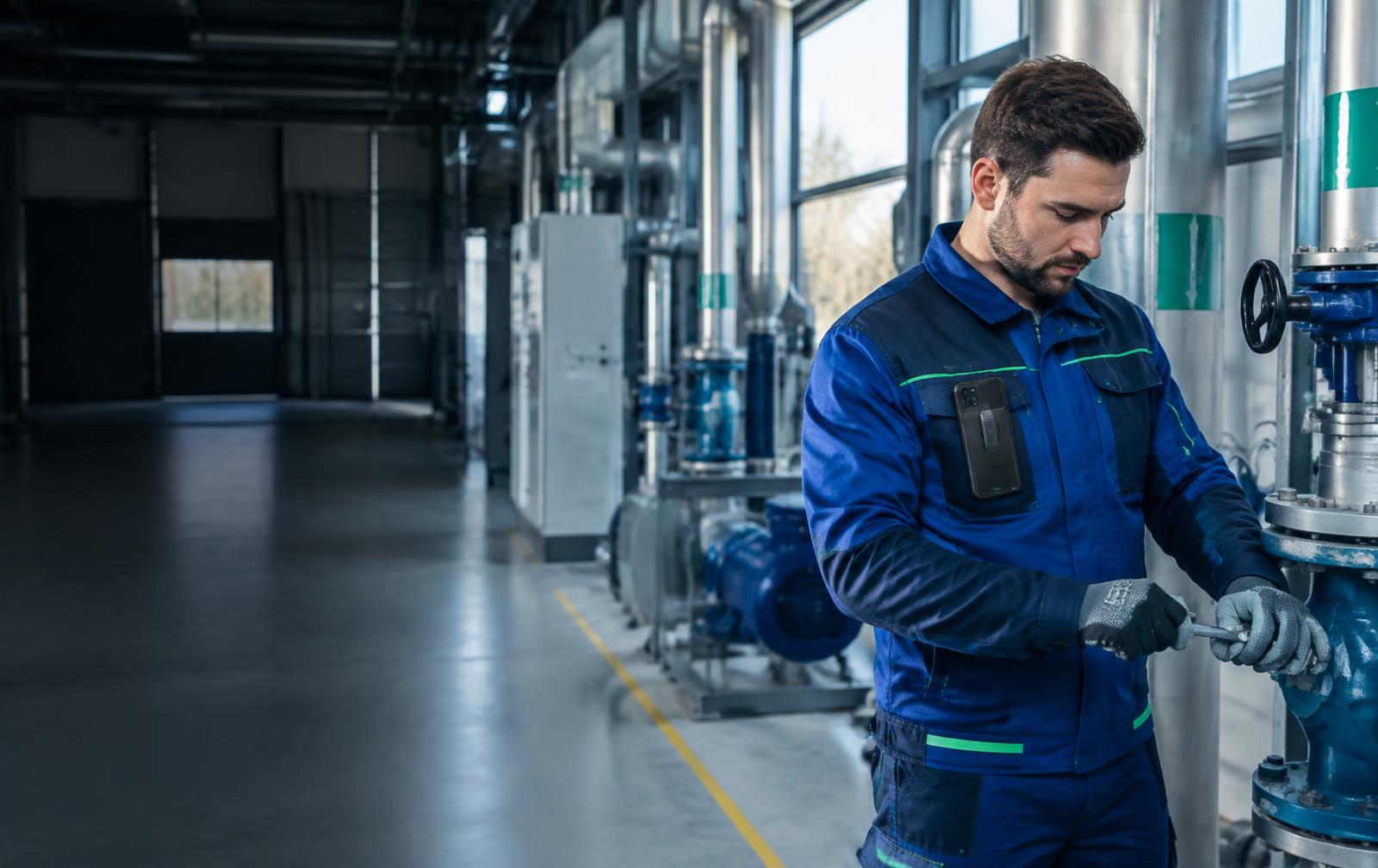
FALL · IMMOBILITY · DELIBERATE SOS
A phone can help identify situations where an employee cannot call for assistance. Man-down connects sensor signals with a response procedure — it does not replace people or risk assessment.
30-day VIMS trial · no payment card
PROTECTION WORKFLOW
Acceleration and rotation sensors provide movement context. These are signals from a phone, not a direct measurement of the employee’s health.
Signal analysis supports fall and immobility detection. We do not disclose algorithm parameters or guarantee recognition of every accident.
A phone signal and the opportunity to cancel help reduce unintended reports. Rehearse the sequence with the employee during the trial.
An alert requiring attention should trigger site contact and assistance procedures. Successful delivery depends on connectivity and the phone.
Automatic detection and deliberate SOS complement each other. Protection scenarios must reflect the risk and actual working conditions.
Changes in phone movement and orientation may indicate a situation requiring attention. Dropping a device and a person falling are not the same event.
Device inactivity may indicate a problem or simply reflect the task. It is not a diagnosis of unconsciousness.
Employees can deliberately report danger from the app without waiting for sensors to identify the situation.
The pre-alarm helps reduce unintended reports. Filtering does not eliminate every false alert or missed event.
A phone left on a desk cannot represent an employee’s movement. In the trial, check the device carried as it will be during an actual shift.
Maintenance, transport and vibration create different conditions. Test relevant scenarios without exposing the employee to an actual fall.
Rehearse starting a session, SOS, pre-alarm and dispatcher response. Check behaviour with a locked screen and changing coverage.
We do not present the app as a guaranteed offline alarm. Without a network an alert may not reach the dispatcher, even if an event is identified on the phone.
Agree an alternative contact method, supervision and task-stopping rules. An NFC check-in alone does not create an emergency connection.
Use equipment approved for the zone. A standard phone cannot replace gas detection, Ex equipment or required supervision.
Test the working scenario, not just the phone.
Plans: 5 / 10 / 15 devices and a custom option. Pricing on consultation. Mention Lone Worker in your VIMS trial application.
VIMS Lone Worker is a beta assistive tool, not a rescue system. It does not guarantee detection of every event or alert delivery. Operation depends on network, battery, permissions and Android settings. In an emergency, follow the site procedure and call emergency services.