

Maintenance and night shifts
Large sites, locked rooms and small teams can delay finding someone. SOS, detection and check-ins provide context; work involving energy still requires its own LOTO and PTW procedures.
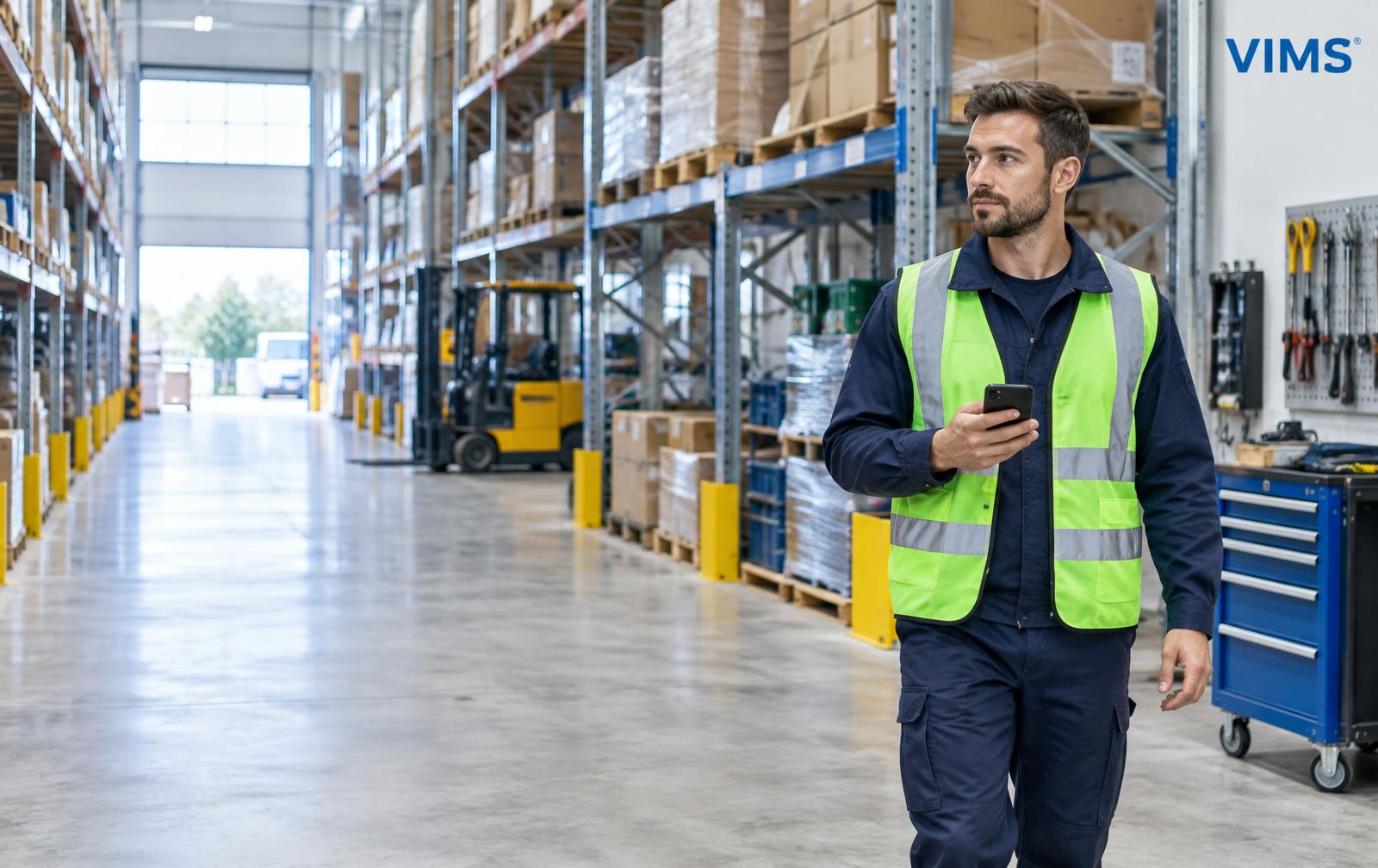
THE WORK SCENARIO COMES FIRST
A field service technician and a cold-store employee need different preparation. Start with the task, hazards and ability to provide help before choosing a phone, check-ins and a procedure.
30-day VIMS trial · no payment card
PROTECTION WORKFLOW
Establish whether lone working is permitted. Where supervision is required, an app cannot replace a second person.
Verify coverage, temperature, phone carrying and specialist equipment requirements.
Define the alert recipient, access to the workplace, cover and how to call assistance.
Test the phone and complete procedure on site in safe conditions representative of the real shift.
These scenarios illustrate protection preparation, not permission to carry out every task alone.
Large sites, locked rooms and small teams can delay finding someone. SOS, detection and check-ins provide context; work involving energy still requires its own LOTO and PTW procedures.
Racks and low temperatures affect orientation, batteries and phone use. Check device operating limits and contact with the on-site team.
Distributed workplaces need clear names and access arrangements. Tanks and confined spaces may require gas testing, supervision and separate procedures — Lone Worker alone is insufficient.
Available GPS and current task information help coordinate response. Check connectivity at customer sites and assign a recipient outside normal office hours too.
Employee protection combines safeguards matched to hazards. An app does not extend the scope of permitted lone work.
Use equipment approved for the zone. A standard phone does not replace Ex equipment or a gas detector.
An alert may not reach the dispatcher in radio dead zones. Provide another safeguard or change task arrangements.
Where law, risk assessment or instructions require another person, an app does not remove that requirement.
An alert does not open doors or organise rescue. Agree keys, routes, safe-entry conditions and information for responders.
Test the working scenario, not just the phone.
Plans: 5 / 10 / 15 devices and a custom option. Pricing on consultation. Mention Lone Worker in your VIMS trial application.
VIMS Lone Worker is a beta assistive tool, not a rescue system. It does not guarantee detection of every event or alert delivery. Operation depends on network, battery, permissions and Android settings. In an emergency, follow the site procedure and call emergency services.