

Halls and basements
Building structures can restrict satellite reception. Defined zones help identify the level, sector and entry point.
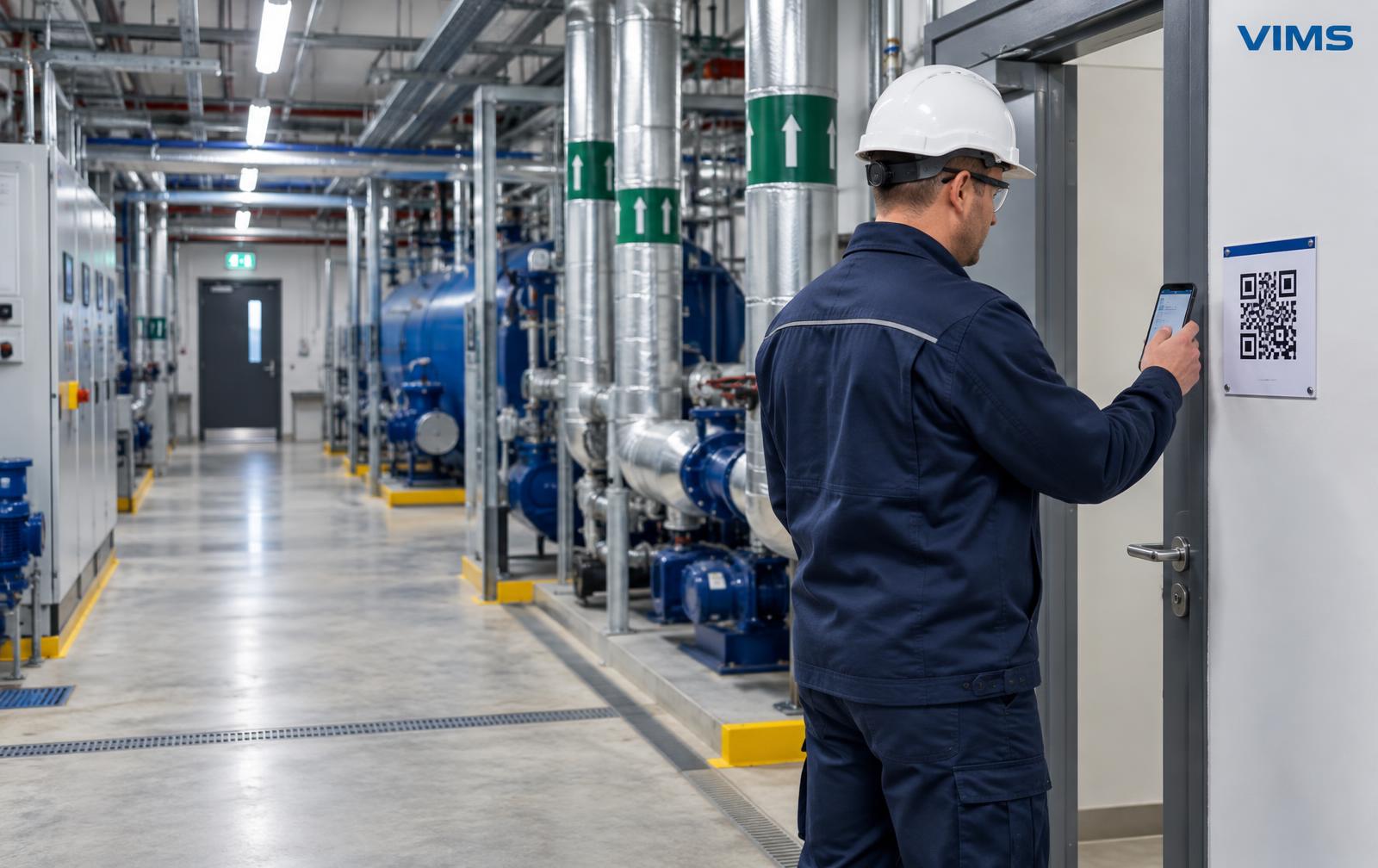
OUTDOOR GPS. INDOOR ZONE CONTEXT.
Coordinates alone may not locate an employee inside a building. Clearly named zones and QR/NFC check-ins help identify the workplace without pretending to provide continuous indoor positioning.
30-day VIMS trial · no payment card
PROTECTION WORKFLOW
Divide the site into clearly named workplaces understood by employees, dispatchers and people providing assistance.
Associate QR/NFC points with the correct zone. Check access, lighting and whether the phone can be used.
The employee scans QR or uses NFC as supported by the device. The check-in provides context for the selected point.
The dispatcher considers available GPS, the last zone and check-in freshness. A floor plan aids orientation, not guaranteed positioning.
A “Boiler room, level -1” check-in can be more useful than imprecise GPS, but the employee may subsequently move.
Building structures can restrict satellite reception. Defined zones help identify the level, sector and entry point.
Consistent building, floor and zone names reduce misunderstandings when sharing information.
Available location aids field orientation. Accuracy and freshness depend on the device and reception conditions.
Define when employees check in after changing zones. The last point does not prove someone is still there.
Connecting zone names with site plans aids orientation. VIMS Plans and Zones organises site information; the scope of integration with Lone Worker is confirmed during a demonstration.
Prepare current plans and labels reflecting the actual site. Use unambiguous room names.
Plans can organise exit and safety-equipment context. Check them on site; a plan does not replace signage.
Share location information with designated people to the extent needed for life and health protection.
QR and NFC do not boost GSM or Wi-Fi reception. Delivering check-ins or alerts to the dispatcher requires a working connection.
Test the working scenario, not just the phone.
Plans: 5 / 10 / 15 devices and a custom option. Pricing on consultation. Mention Lone Worker in your VIMS trial application.
VIMS Lone Worker is a beta assistive tool, not a rescue system. It does not guarantee detection of every event or alert delivery. Operation depends on network, battery, permissions and Android settings. In an emergency, follow the site procedure and call emergency services.