
VariloVIMS

Spreadsheet or EHS software: spotting the point where Excel starts costing money

A spreadsheet is a good tool for one-off analysis and a weak tool for running a continuous process. The boundary sits where three things appear at once: multiple concurrent users, deadlines that need reminders, and an obligation to show who changed what and when. Below that line Excel is fine; above it, it starts generating hidden costs.

Nobody abandons spreadsheets because they look bad. They abandon them because, two days before an audit, three people are reconstructing which version of the file is the right one.

  • EHS digitalisation
  • Deployment
  • Processes

Published: 2026-02-02 · Updated: 2026-02-24 · 8 min · Varilo deployment team

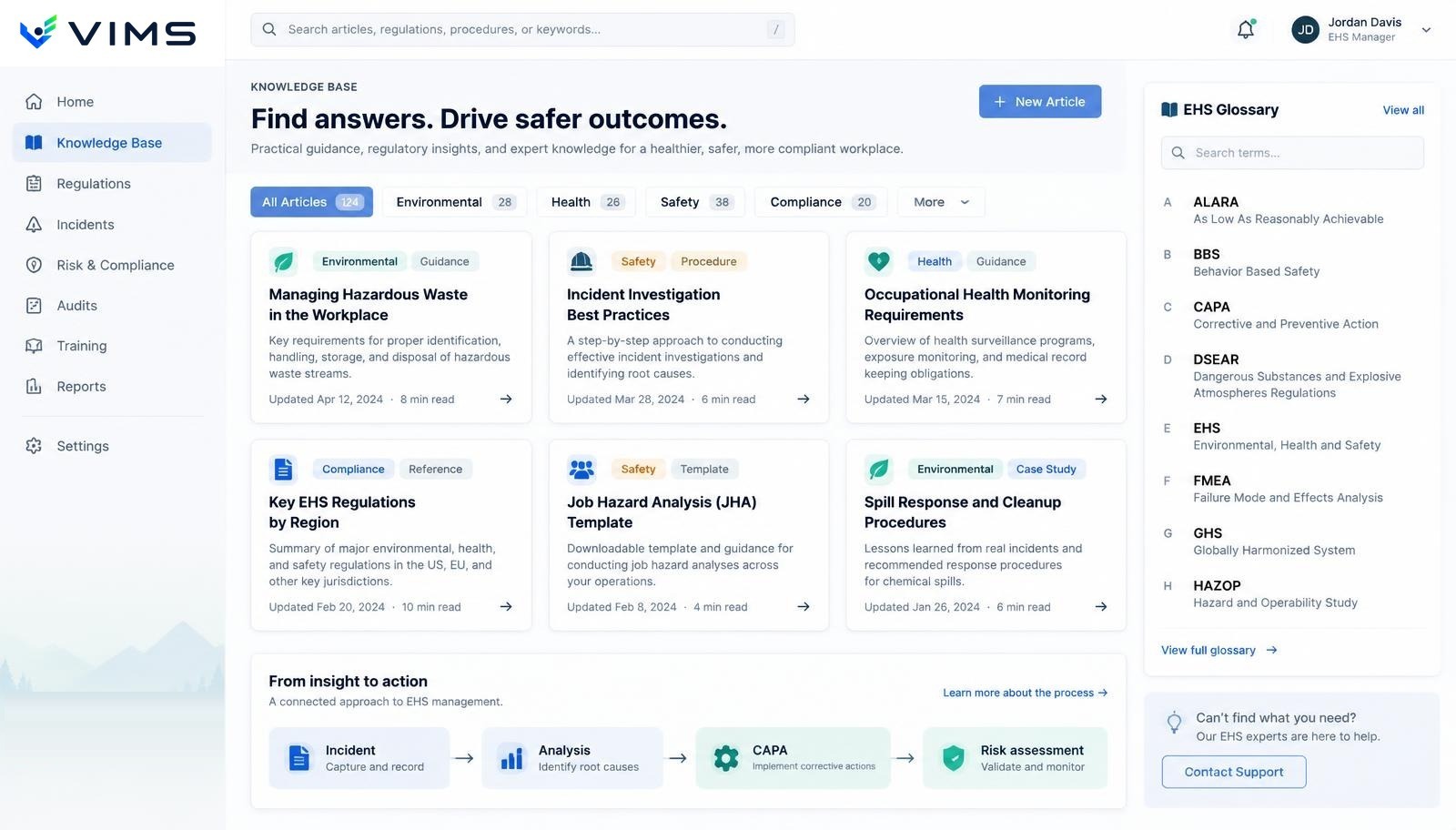
Comparison of spreadsheet work and the V-IMS EHS system: registers, deadlines and change history

What a spreadsheet does well

Start with the honest positive. Excel is instantly available, needs no deployment or IT approval, can calculate anything, and lets you build any table layout in fifteen minutes. For a one-off trend analysis or preparing data for a meeting, it is hard to beat.

The problem is not that spreadsheets are bad. It is that a tool designed for calculation ends up serving as a workflow system, an evidence register and a deadline calendar at the same time.

Seven signals that the spreadsheet has run out

First: files circulate named “final”, “final2”, “after comments”. Second: nobody can reconstruct who changed a cell value or on what basis. Third: health surveillance, training and inspection deadlines are tracked by one person's memory backed by conditional formatting.

Fourth: the board summary is assembled by hand over several hours and comes out slightly different each time. Fifth: shop floor data reaches the system late because it is written on paper first. Sixth: at audit there is no evidence of completion — there is a “done” entry but no photo or report.

Seventh, and most serious: the file contains personal data and travels by email between people who should not have access. That signal usually settles the matter faster than all the others combined.

The hidden cost: time, risk and unanswerable questions

The time cost is the easiest to see: hours spent consolidating files, retyping data and hunting for the latest version. In a mid-sized plant that is usually several working days a month, scattered so thinly that nobody adds them up.

The risk cost is less visible and more painful: a missed health surveillance date, an outdated risk assessment, an unclosed action after an event. Each of those carries consequences well beyond administrative discomfort.

The third cost is the questions you simply cannot answer. “How many actions from events in the last six months were closed on time, and how many passed an effectiveness review?” In spreadsheets that means a day of work; in a process system it is a filter and ten seconds.

When a spreadsheet is enough and changing makes no sense

A small organisation with one site, one person handling safety and a stable set of workstations can work on spreadsheets for years without harm. The same goes for a one-off analytical project or a summary produced once a year.

The signal to change is not company size but the number of concurrent participants in the process and the number of deadlines somebody has to remember. Three people editing the same file is already a problem; thirty deadlines a quarter is already a risk.

How to move across without a revolution

The worst strategy is migrating everything at once. The best is choosing the single process that hurts most — usually reports and actions after events — and running it end to end in the system: from a phone report to the effectiveness review.

Historical data moves selectively. Open actions, current risk assessments and live deadlines — yes. A five-year-old archive stays where it is; securing it is enough.

After the first process, the next ones arrive faster because the organisational structure, permissions and workstation list are already in place. A typical order is: reports and events, then corrective actions, then audits and safety walks, then training and health surveillance, and finally chemicals and technical registers.

Decision criteria: spreadsheet or system

  • More than two people edit the same register in the same week.
  • You must be able to show who made a change and when.
  • Deadlines need reminders, not just coloured cells.
  • Evidence of completion must stay attached to the task.
  • Personal or medical data requires restricted access.
  • A board report is needed more often than once a quarter.
  • Reports originate in the field, not at a desk.
  • The plant is one of several and a consolidated view is required.

Frequently asked questions

Does adopting a system mean giving up spreadsheets entirely?

No. The spreadsheet stays as an analytical tool: data exports, one-off calculations, meeting material. It stops being the place where the process runs and evidence is stored.

Where do we start if everything lives in files?

With the single process that has the highest frequency and the highest risk — usually reports and actions after events. One process running end to end delivers more than five processes running halfway.

How much historical data needs to be migrated?

Only what is still operational: open actions, valid risk assessments, live training and health surveillance dates, active substances. The archive can stay in its current form.

What convinces the board fastest?

Usually not a feature list but one specific question asked live: how many overdue deadlines do we have across the organisation right now. When the spreadsheet answer takes two days and the system answer takes ten seconds, the discussion ends.

See the difference on your own data

In a demo we can take one of your registers and show the same process running inside V-IMS.