
VIMSVIMS

QR codes and NFC in workplace safety — practical uses on site

A QR code is a printed 2D code read by a phone camera; an NFC tag is a small chip read by holding a phone close. In safety management both act as an entry point to the right information or form: a hazard report, an inspection checklist, a machine's inspection history or a substance's safety data sheet.

Well-placed codes cut the path from spotting a problem to reporting it from minutes to seconds, and provide hard evidence that an inspection took place at a specific spot.

  • QR codes
  • NFC
  • Reporting
  • Inspections
  • Machines

Published: 2026-10-11 · Updated: 2026-10-11 · 9 min read · Varilo deployment team

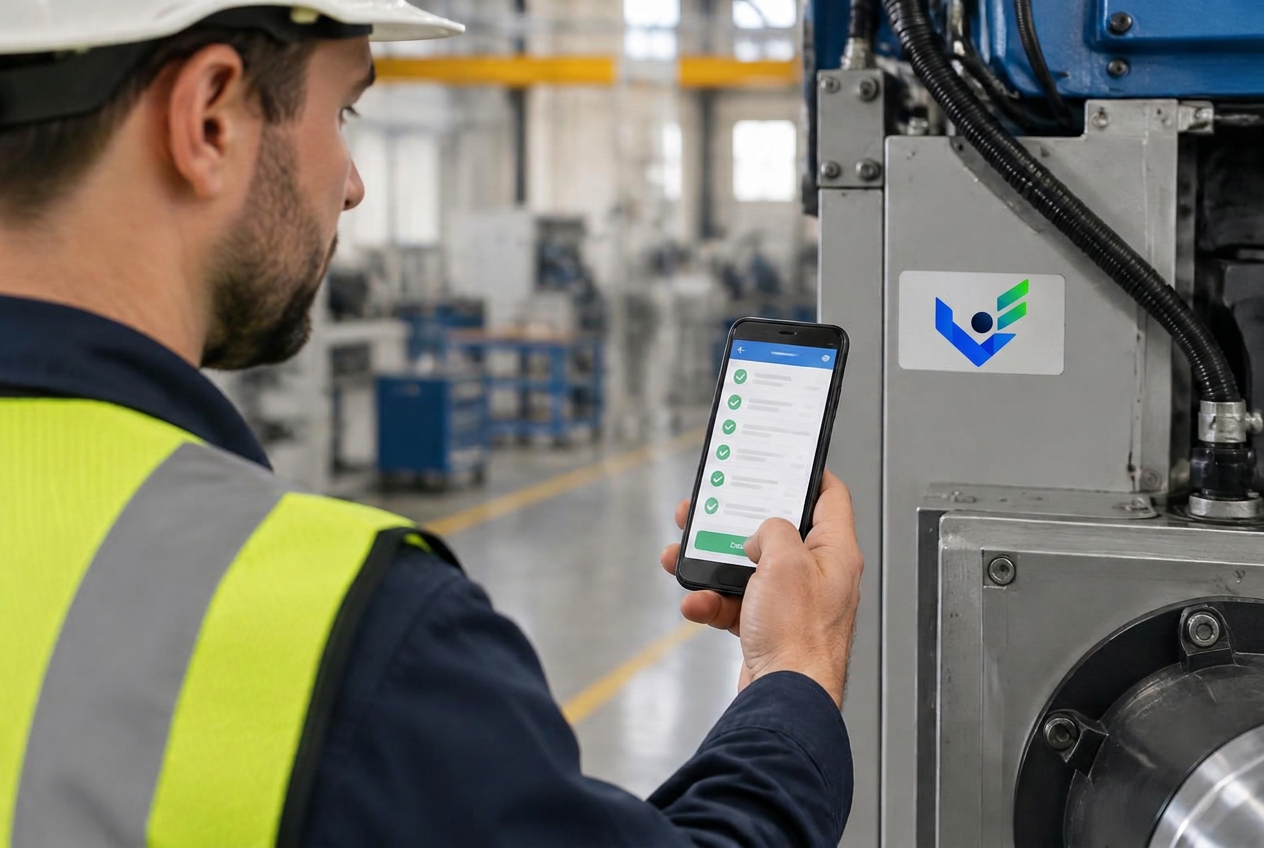
Technician scanning a QR code and NFC tag on a machine with a checklist on a phone

1. Where QR and NFC make the biggest difference

Hazard reporting — a code at a hall entrance, changing room or notice board lets anyone, including contractors, report a hazard with a photo. The location is known from the code itself.

Inspection rounds — a tag at a checkpoint opens the right checklist and records the visit time. Machine checks — a code on the machine shows due dates, inspection history, instructions and LOTO points. Chemicals — a code on a cabinet or rack opens the current safety data sheet and workstation card with GHS pictograms.
2. QR or NFC?

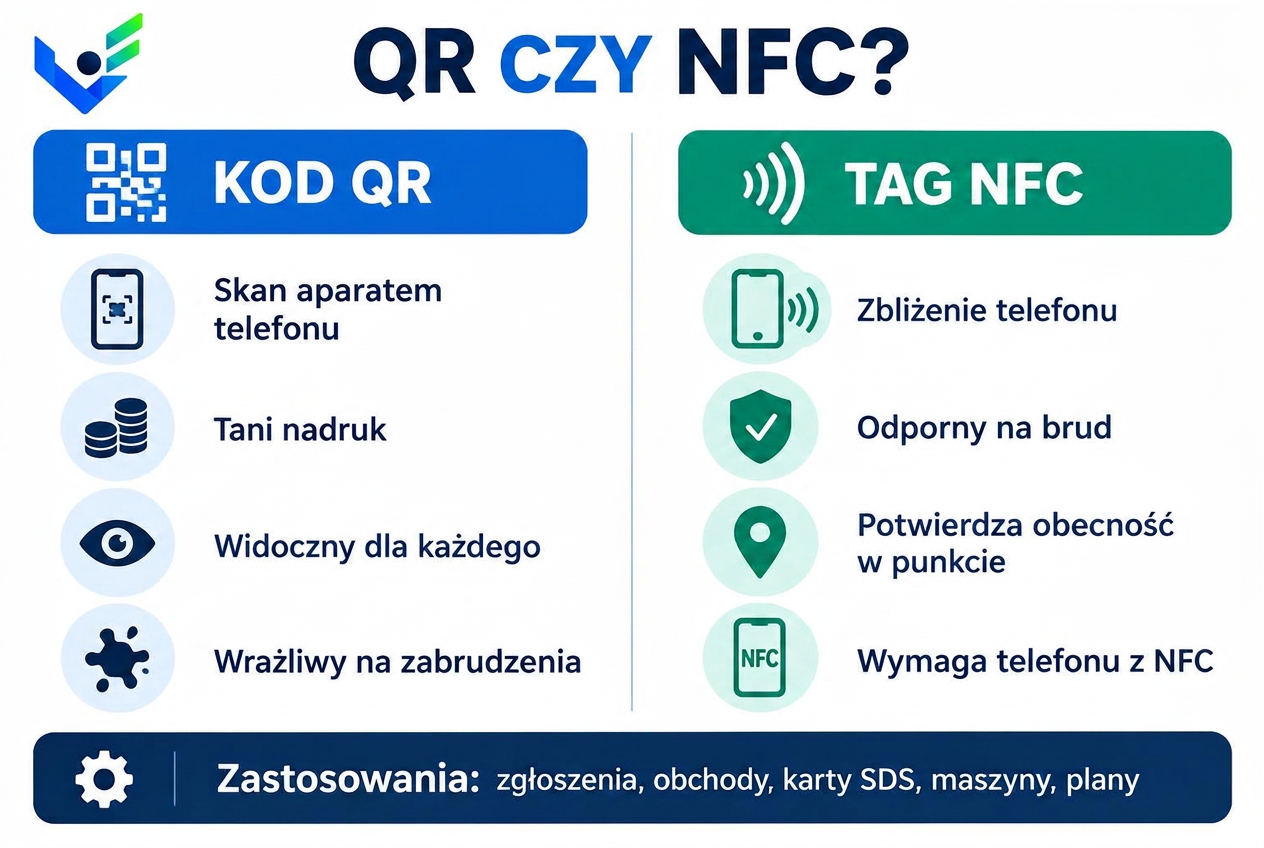
QR is cheap, visible and works on any phone with a camera, but can suffer from dirt and poor light. NFC resists dirt, needs no camera aiming and better proves physical presence at a point — but requires an NFC-enabled phone.

In practice both are often combined: one sticker with a QR code for everyone and an NFC tag for inspection rounds. V-IMS works the same way — a single point can be served by a code and a tag.

QR code vs NFC tag in workplace safety — strengths, limitations and uses
QR or NFC — strengths, limitations and typical on-site uses (graphic in Polish).

3. Rolling out codes step by step

List your points: entrances, zones, machines, chemical stores, checkpoints. Give each a clear name and an owner. Generate codes from the system, print them on durable stickers resistant to oil and washing, and place them at eye level.

Tell employees what the codes are for — a short notice and a toolbox talk are enough. After a month, check which codes are scanned and which are not, and adjust placement.

4. Security and good practice

A public code (e.g. for reporting) should lead only to a form, with no access to personal data. Sensitive data — incident history, employee records — require sign-in. Codes should point to the system, not to static files, so content stays current.

In V-IMS, QR codes and NFC tags are generated inside the system, and access depends on permissions: a visitor can report a hazard or view a plan, a signed-in employee can perform an inspection or machine check.

Key takeaways

  • QR and NFC cut reporting to seconds and assign location automatically.
  • NFC better proves presence at an inspection point; QR is universal and cheap.
  • Use durable stickers and codes pointing to the system, not static files.
  • Public codes must never expose personal data.

Frequently asked questions

Do I need an app to scan the codes?

Most phone cameras read QR codes and open the form in a browser. For NFC inspection rounds a mobile app is more convenient.

Can a contractor without an account report a hazard?

Yes, if the code leads to a public reporting form. In V-IMS such a report reaches the person responsible for that area.

How much do NFC tags cost?

Basic NFC stickers are inexpensive; industrial versions resistant to metal and chemicals cost more. QR codes can be printed in-house.

Launch QR/NFC reporting and inspections

V-IMS modules can be deployed separately — start with reporting or inspections and expand once you see results.